
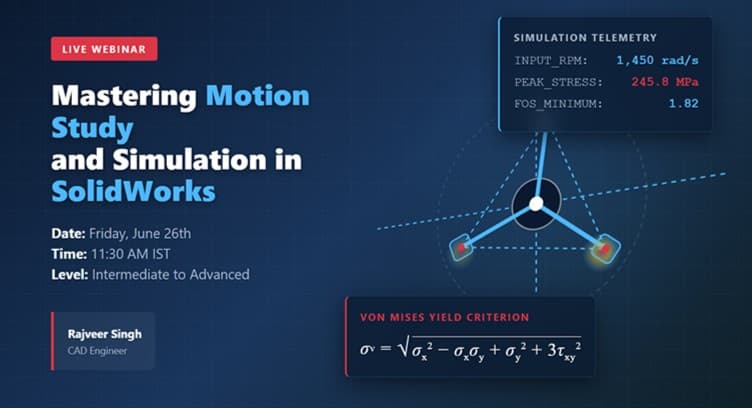
Motion Study and Simulation in SOLIDWORKS
26 Jun 2026, 6:00 AM
Graphy Live Meeting
Overview
Take your SOLIDWORKS skills beyond static modeling and discover how engineers analyze motion and validate designs before manufacturing.
In this hands-on 2-hour live webinar, you will build a complete 4-bar linkage mechanism, perform a Motion Study with realistic physical behavior, analyze component interactions using collision detection, and evaluate structural performance with SOLIDWORKS SimulationXpress.
Learn how to animate mechanisms, study motion characteristics, identify potential design issues, and validate engineering performance through simulation. By the end of the session, you'll gain practical experience in motion analysis and design validation—essential skills for students, designers, and engineering professionals looking to create more reliable and efficient products.
What You'll Learn:
-
Build a 4-bar linkage mechanism from scratch
-
Create realistic animations using SOLIDWORKS Motion Study
-
Analyze component interactions with collision detection
-
Evaluate design performance using SOLIDWORKS SimulationXpress
-
Identify and resolve potential design weaknesses
-
Apply motion analysis and simulation techniques to real-world engineering projects
What You'll Get
✔ Live Interactive Session
✔ Hands-On Demonstration
✔ Q&A with Instructor
✔ Webinar Recording (if available)
✔ Certificate of Participation (if available)
What you will learn
Build a 4-Bar Linkage Assembly
Learn to create and assemble a fully functional 4-bar linkage mechanism in SOLIDWORKS.
Perform Motion Studies
Simulate realistic mechanical motion and analyze component behavior using SOLIDWORKS Motion Study.
Analyze Collision Detection
Identify and evaluate component interference and collisions during mechanism operation.
Run SimulationXpress Analysis
Perform basic stress analysis to assess structural performance and design reliability.
Identify Design Weaknesses
Interpret simulation results to locate critical stress regions and improve design quality.
Validate Engineering Designs
Apply motion analysis and simulation techniques to make informed engineering decisions before manufacturing.
More about the hosts
Rajveer Singh is a CAD Design Engineer and Technical Instructor at CADArtifex. He specializes in SOLIDWORKS design, motion analysis, and engineering simulation. Through practical projects and training sessions, he helps learners develop industry-relevant CAD and simulation skills.

Rajveer Singh
CAD Design Engineer | Technical Instructor, CADArtifex
Order ID:
Registration successful
You'll receive updates about this webinar directly in your inbox. Until then, join in on exclusive discussions with members!