
SOLIDWORKS Startup Package: Creating & Editing Sketches
CADArtifex LLC
6 modules
English
Certificate of completion
Build a Strong SOLIDWORKS Foundation by Mastering Sketching, Dimensions, Constraints & Basic Features
Overview
Start your SOLIDWORKS journey with confidence by mastering the most important skill in CAD design—creating fully defined sketches.
Designed specifically for absolute beginners, this course teaches the essential sketching techniques required to build accurate and reliable 3D models in SOLIDWORKS. You'll learn how to create sketch geometry, apply dimensions and geometric relations, edit sketches efficiently, and prepare them for creating professional solid models.
Throughout the course, you'll practice using lines, circles, arcs, rectangles, slots, polygons, splines, construction geometry, dimensions, and sketch constraints while learning the best practices followed by professional CAD designers.
You'll also create your first solid features using Extrude and Revolve, helping you understand how properly constructed sketches become the foundation of every successful SOLIDWORKS model.
Whether you're an engineering student, beginner, or someone completely new to CAD, this course provides the perfect starting point for learning SOLIDWORKS.
Key Highlights
🎥 Beginner-Friendly Video Lessons
📂 Downloadable Practice Files
🏆 Certificate of Completion
♾️ Lifetime Access + Free Future Updates
✏️ Master Sketching & Sketch Constraints
📐 Learn Dimensions & Geometric Relations
🚀 Create Your First 3D Features
🌍 Trusted by Learners in 80+ Countries
What you will learn
✏️ Master Sketch Creation
Learn to create accurate sketch geometry using lines, circles, arcs, rectangles, slots, splines, polygons, and construction geometry.
📐 Apply Dimensions & Constraints
Fully define sketches using dimensions and geometric relations to create robust, editable designs.
⚙️ Create Your First 3D Models
Convert sketches into solid models using Extrude and Revolve while understanding the relationship between sketches and features.
🚀 Build a Strong SOLIDWORKS Foundation
Develop the essential sketching skills required for advanced part modeling, assemblies, sheet metal, and other SOLIDWORKS workflows.
Modules
Creating Sketches for Solid Models
12 attachments • 31.28 mins
Starting the Sketching Environment
Specifying Grids and Snap Settings
Creating a Line
Creating a Centerline and a Midpoint Line
Creating Rectangles
Creating Circles
Creating Arcs
Creating Polygons
Creating Slots
Drawing Ellipses and Elliptical Arcs
Creating Parabolas and Conic Curves
Creating Splines
Editing and Modifying Sketches
10 attachments • 22.71 mins
Trimming Unwanted Sketch Entities
Extending Sketch Entities
Offsetting Sketch Entities
Mirroring Sketch Entities
Creating Fillets
Creating Chamfers
Creating a Linear Sketch Pattern
Creating a Circular Sketch Pattern
Download Lesson Files
Download Lesson Files - Editing and Modifying Sketches
Applying Dimensions and Constraints
5 attachments • 15.47 mins
Applying Geometric Constraints
Applying Dimensions
Editing Dimensions
Download Lesson Files
Download Lesson Files - Applying Dimensions and Constraints
Creating Extruded and Revolved Base Features
4 attachments • 13.61 mins
Creating an Extruded Feature
Creating a Revolved Feature
Download Lesson Files
Download Lesson Files - Extruded and Revolved Base Features
Course Summary & Next Steps
1 attachment • 1 mins
Course Summary & Next Steps
Certification
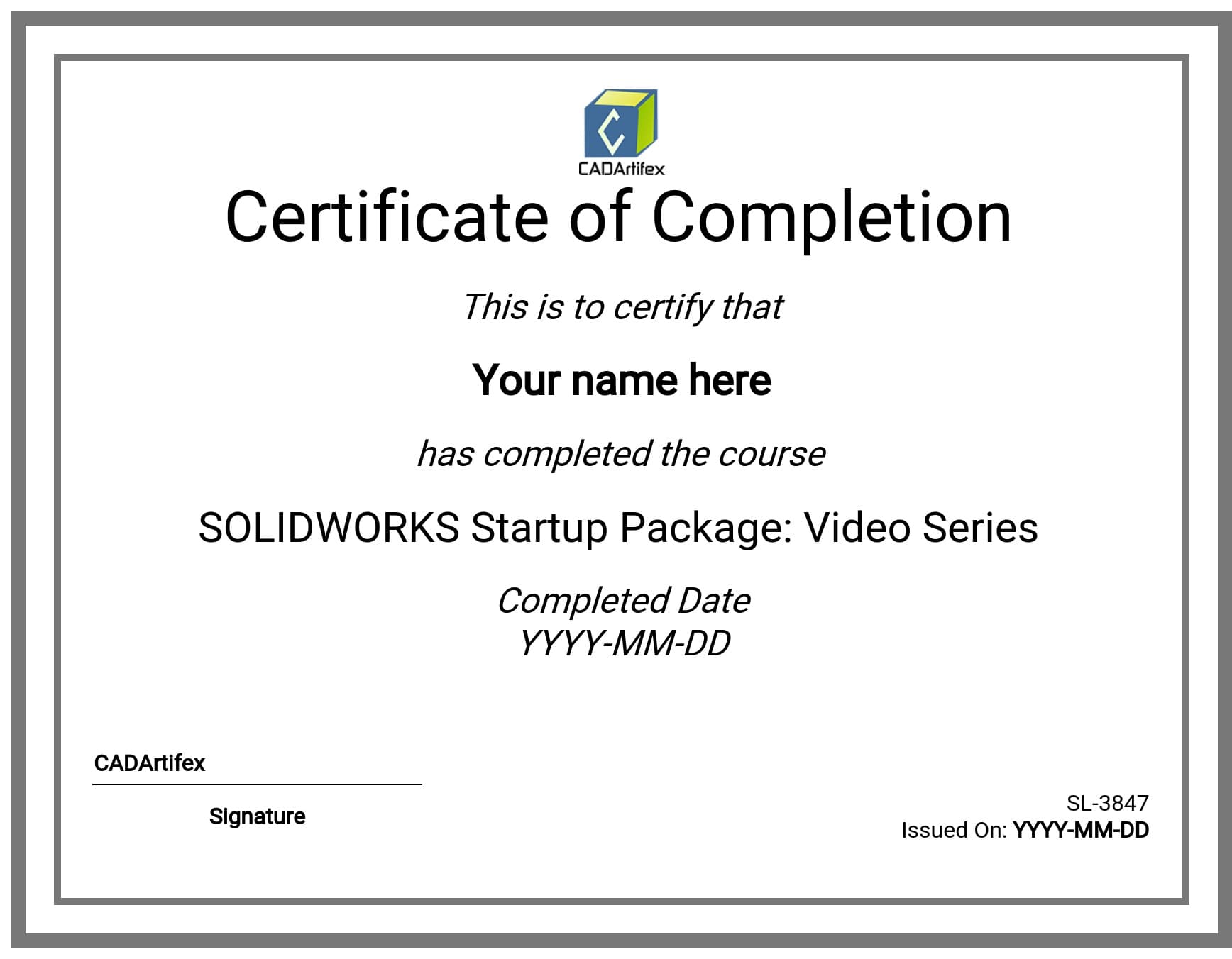
When you complete this course you receive a ‘Certificate of Completion’ signed and addressed personally by me.
FAQs
1. Is this course included in the SOLIDWORKS Mastery Pack Bundle?
Yes. This course is included in the SOLIDWORKS Mastery Pack, giving you access to multiple SOLIDWORKS courses covering beginner to advanced topics at a significantly better value.
2. Is this course suitable for complete beginners?
Yes. This course is designed specifically for beginners with no prior SOLIDWORKS or CAD experience. It focuses on the essential sketching skills that every SOLIDWORKS user needs.
3. What topics are covered in this course?
The course covers sketch creation, dimensions, geometric relations, sketch editing, construction geometry, fully defined sketches, and creating basic 3D features using Extrude and Revolve.
4. Will I receive the downloadable practice files?
Yes. The course includes downloadable lesson files and practice resources so you can follow along and practice every concept.
5. Will I receive a certificate after completing the course?
Yes. After successfully completing the course, you'll receive a Certificate of Completion that you can add to your résumé, portfolio, or LinkedIn profile.
Order ID:
This course is in your library
What are you waiting for? It’s time to start learning!

Wait up!
We see you’re already enrolled in this course till . Do you still wish to enroll again?